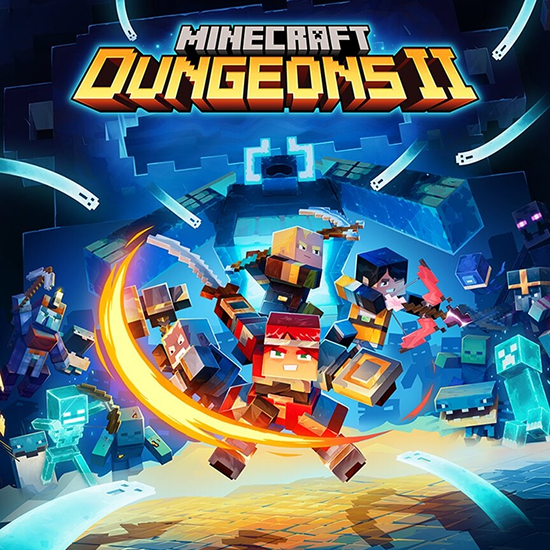
Minecraft Dungeons II
The code is intended to obtain Minecraft Dungeons 2 on Xbox Series X|S and PC. 🟢 How to redeem the code Via browser 1. Go to redeem.microsoft.com. 2. Sign in to the Microsoft account used to play Minecraft. 3. Enter the 25-character code and follow the on-screen instructions. On Xbox 1. Press the Xbox button and open Store. 2. Open the side menu using the View button and select Redeem. 3. Enter the 25-character code and select Next. 4. Follow the on-screen instructions. In the Xbox app for Windows 1. Open the Xbox app. 2. Select the profile picture → Settings. 3. Under Redeem a code, select Redeem. 4. Enter the 25-character code and select Next. 5. Follow the on-screen instructions. In the Xbox mobile app 1. Open the profile and go to Settings. 2. Select Redeem code. 3. Enter the 25-character code and select Next. 4. Follow the on-screen instructions.
Product Information
Product Information
Shipping & Returns
Shipping & Returns